
Designer Headshots: Cost, Examples, Styles & Advice
San Francisco Bay Area Designer Headshot Photography Guide
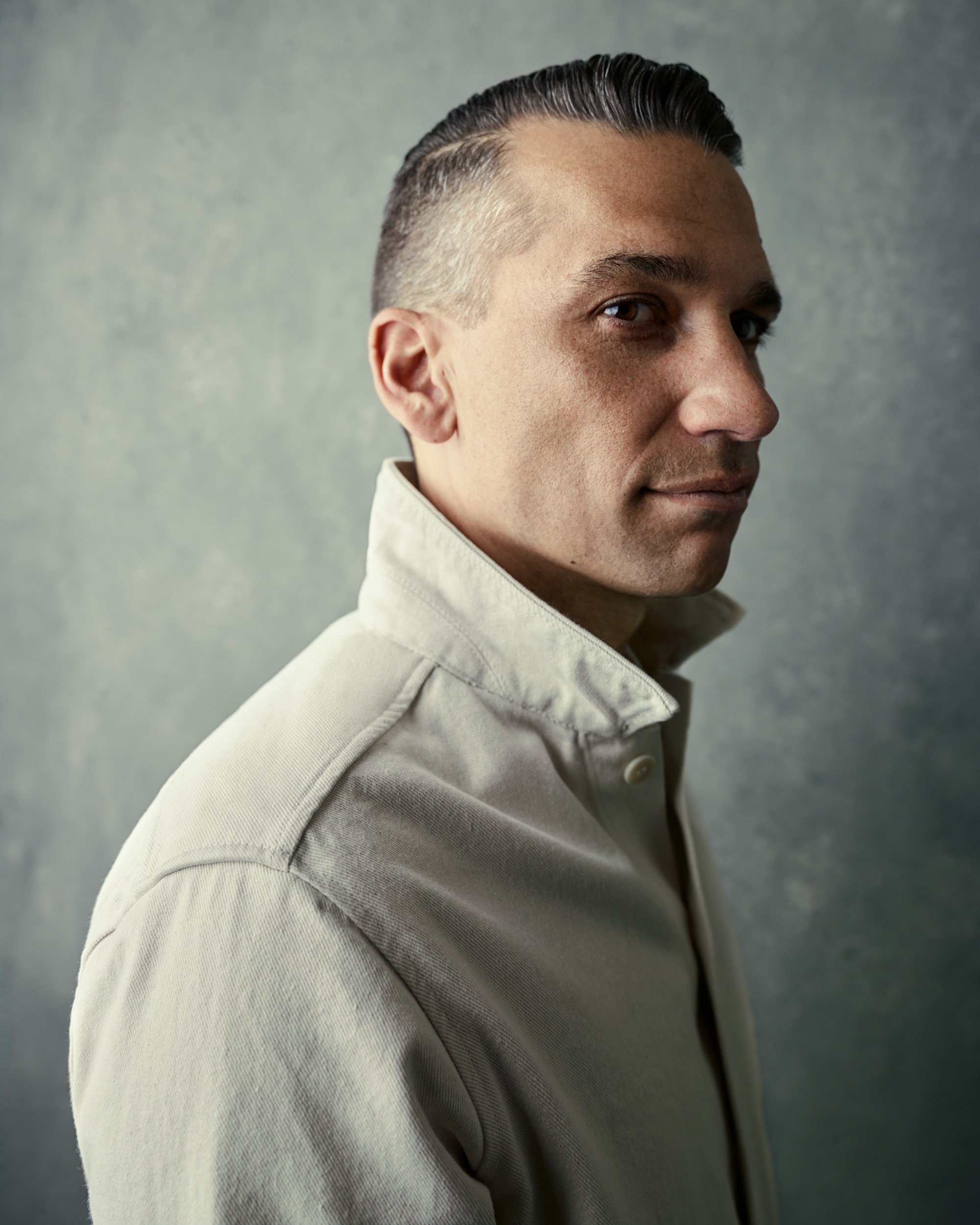
What to Know Before Your Designer Headshot
S72 Business Portraits shoots designer headshots at the studio in San Francisco's SoMa neighborhood, or on location for company and team sessions. Every session is built around your work: lighting matched to your face, full direction during the shoot, and hand retouching on every image. This page covers what designer headshots are, who needs them, what they should look like, what to wear, how much they cost, and how to pick the right photographer for creative work.
What Are Designer Headshots?
Designer headshots are studio portraits made for people whose work is visual. They sit on portfolio sites, Behance and Dribbble profiles, studio about-pages, pitch decks, and conference bios. Their job is specific: show a credible creative whose presence matches the quality of the work next to it.
Designers face a problem other professionals don't. Too corporate and the photo looks like someone who doesn't make things. Too arty and it looks like someone who can't be hired. A good designer headshot lands in between. It looks current and considered without trying to be the portfolio piece itself.
The fundamentals are the same as any strong headshot: clear eyes, relaxed shoulders, clean background, and lighting built for your face. What changes for designers is how far the look leans creative. I match backdrop tone, lighting direction (natural/even vs directional), and styling to your discipline and where the image will live, whether that's a product team's org page or a fashion studio's site.
Why Do Designer Headshots Matter?
Your headshot is often the first thing people see before they click into your portfolio, read your bio, or take your call. An art director reviewing freelancers, a recruiter filling a design role, a client deciding who to brief: each one forms an opinion in under a second, and most of that opinion is set before they look at a single project.
For designers, the photo carries extra weight. You sell taste and judgment. If the headshot looks generic, dated, a selfie or run through a heavy filter, it works against the exact thing you're being hired for. A portfolio full of sharp work next to a careless headshot creates a small doubt: if the photo wasn't worth getting right, what else got rushed.
The effect compounds on team pages. When a studio or in-house design team shows mismatched headshots, shot in different years with different lighting, the page looks assembled rather than designed. For a group whose work is presentation, that's the wrong signal. Consistent portraits across the team show the same care you put into everything else you ship.
Who Needs Designer Headshots?
Anyone whose work gets judged on visual quality needs a headshot that matches it. That covers more roles than just the ones with "designer" in the title.
Freelancers and studio owners. Your headshot sits on your portfolio, your proposals, and your client intros. It's often the first face a prospect sees before deciding whether your rates make sense. For independent creatives, the photo is part of the pitch.
In-house designers and creative leads. You show up in org charts, all-hands decks, case study credits, and internal tool profiles. When you move from making work to presenting it, leading critiques, pitching roadmaps, speaking at the company offsite, the headshot needs to look like someone who belongs in that room.
Design teams and agencies. A consistent set of portraits across the team page reads as intentional. For a group that sells design, the about page is a work sample. I shoot company and team sessions at your office or my studio so the whole team matches.
The most common reason to update your headshot is change. A new role, a promotion to design lead, a brand refresh, or a portfolio relaunch can make an older headshot feel out of step with your current work. If your photo doesn't match how you look now, it's time.
How Often Should I Update My Designer Headshot?
Update your designer headshot every one to two years, or sooner if your work or your look changes. For creative roles, the triggers come up more often than you'd think.
A portfolio relaunch is the big one. If you're rebuilding your site or refreshing your Behance and Dribbble profiles, a headshot from three jobs ago undercuts the new work. The same goes for a rebrand, a move to a new studio, or a promotion that puts you in front of clients and audiences instead of behind the work.
Appearance changes count too. New glasses, a different hair color, a beard you grew or lost. If someone meeting you would do a double-take comparing your profile photo to the person across the table, the headshot is overdue.
For the full guide on timing and triggers, see how often you should update your headshot.
What Should I Look For In A Designer Headshot Photographer?
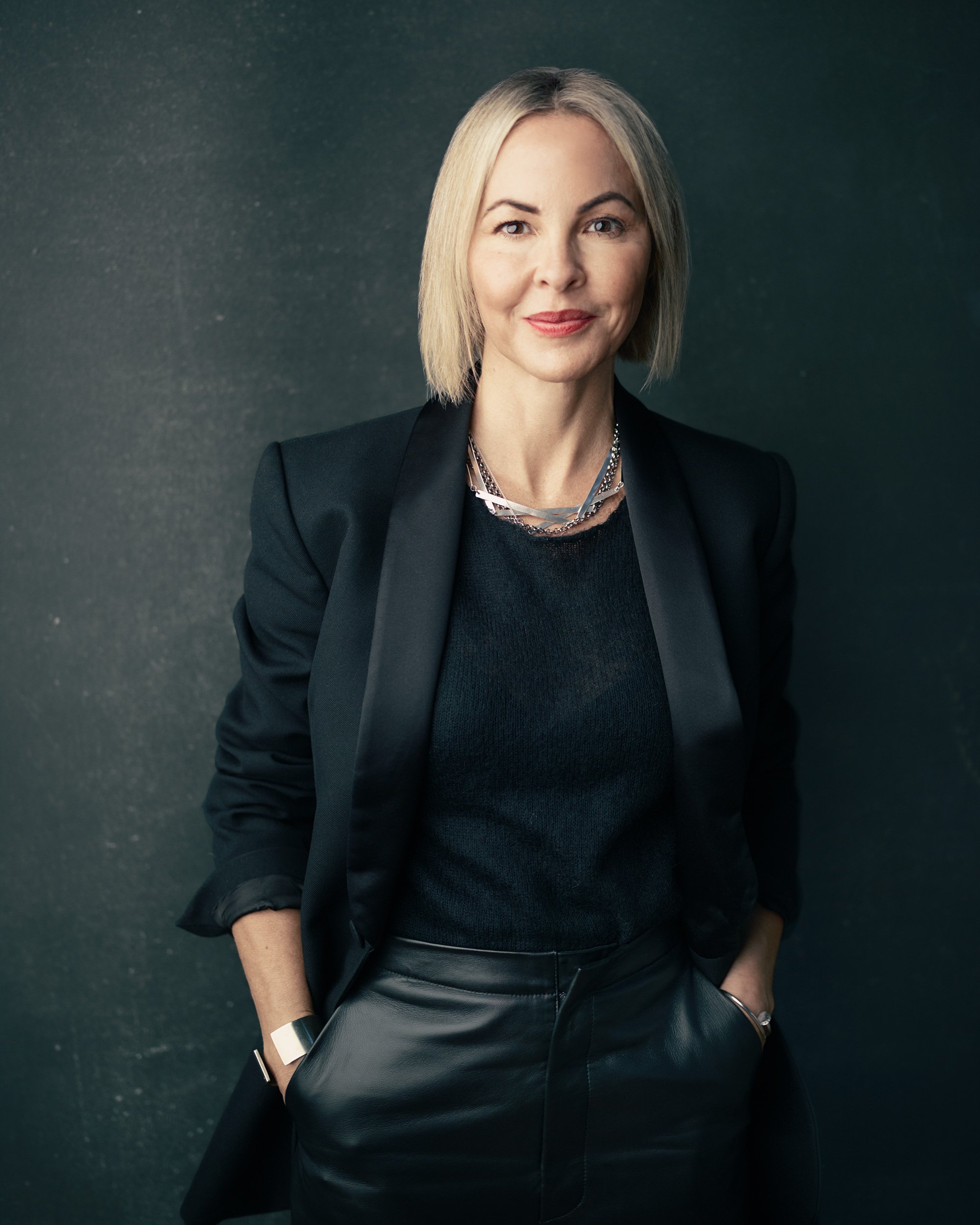
Look for a photographer who can direct you and who understands creative work. Most designers are comfortable behind the camera and stiff in front of it. The right photographer fixes that with direction, not by hoping you loosen up on your own.
Direction first. You should never be guessing where to look or what to do with your hands. A good photographer coaches your posture, chin, and expression in real time. If your last headshot left you feeling awkward, that was a coaching problem, not you. Ask how they work with people who don't love being photographed. The answer should be specific.
A portfolio with range. Look for designers and creatives in their work, not just rows of corporate headshots. You want proof they can shoot a relaxed, current look as easily as a sharp, leadership one. If every photo in their gallery uses the same backdrop and the same light, they build one look and fit everyone into it. You want lighting built around your face and your discipline.
Restrained retouching. The finish should clean up temporary distractions, stray hairs, a blemish, under-eye fatigue, while keeping skin and texture real. Designers notice when retouching goes too far, and so does everyone else at full size. Ask to see before-and-after examples.
Bring references. If there's a look you like, bring a few examples on your phone. Designers usually have a clear visual sense of what works, and showing it is faster than describing it. A good photographer will use those as a starting point and tell you honestly what will and won't work for your face and setup.
Logistics matter too. Confirm turnaround and ask for a written reshoot policy before you book, especially if the headshot is tied to a site launch or a portfolio relaunch.
What Should Designer Headshots Look Like?
A designer headshot should look clean, current, and clearly yours, without trying to be the portfolio piece itself. Four things decide that: backdrop, lighting, framing, and how the image holds up where you actually use it.
Backdrop. Neutral tones do the most work. Light gray looks modern and sits well next to bright portfolio thumbnails. Charcoal or a deep neutral adds weight for a creative-director or leadership look. A brand-tinted mid-tone can work for consumer or fashion work when it's chosen with care, not just to be different. The background should support your face, not compete with your work for attention.
Lighting. Even light gives an open, approachable look that suits product and UX teams. Directional light adds shape and a more decisive feel for creative leads. Most designers do well somewhere between the two. The right setup depends on your face and how creative you want the photo to lean.
Framing. Head-and-shoulders is the standard and works for team grids and profile avatars. A waist-up option leaves room for a name and title on speaker pages and case study credits. Camera height near eye level keeps it natural.
Where it lives. This is the part most photographers skip for designers. Your headshot has to hold up as a small circle on a Behance or Dribbble profile, sit well in a team grid, and still look right full-size on your about page. I shoot and crop with those placements in mind, so the photo works at avatar size and full screen, not just one of them.
What Should I Wear For Designer Headshots?
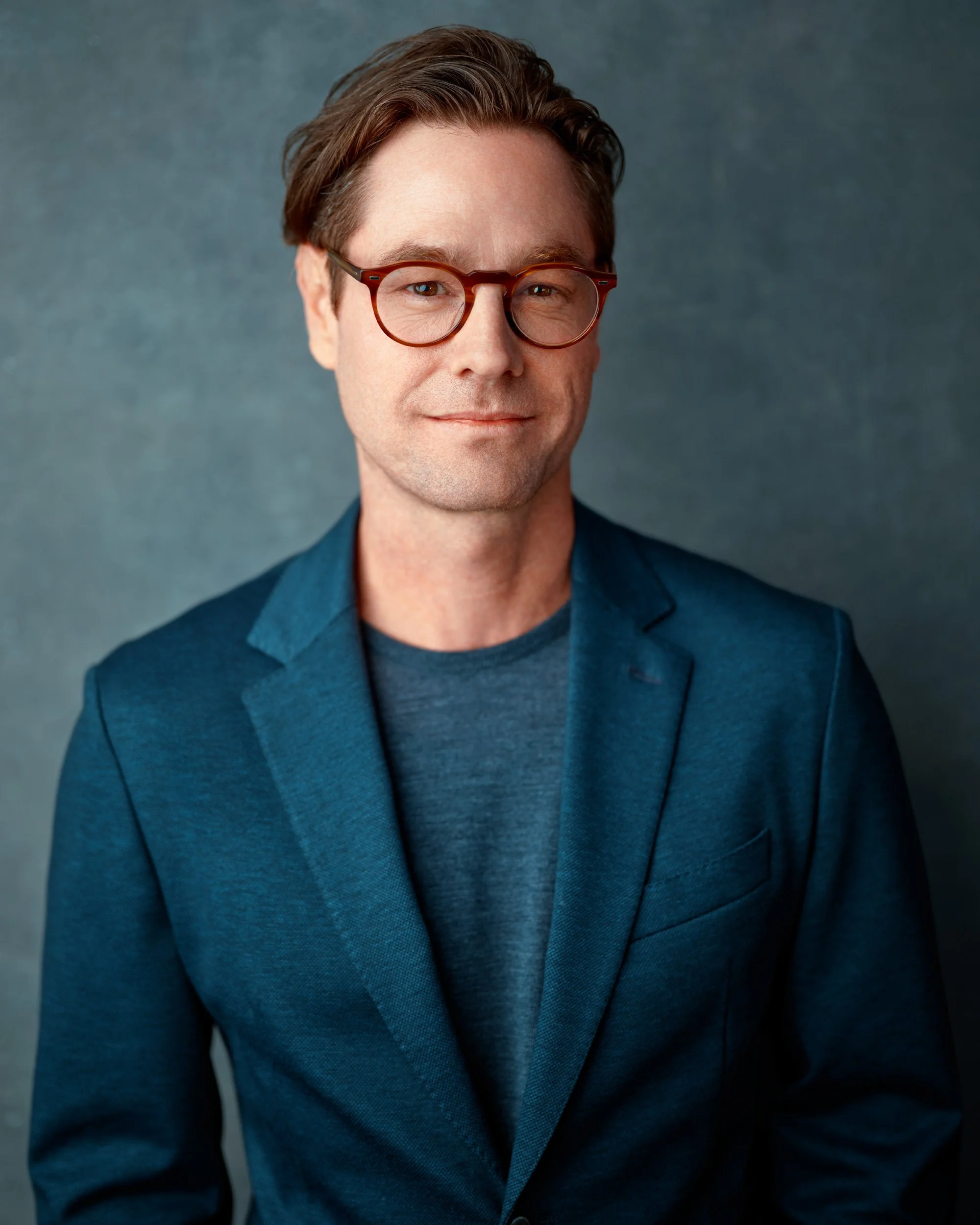
Wear what looks like you on a good day, with a bit more attention to fit. For designers, the wardrobe has a little more room than it would for a banker or an attorney, but the same rule applies: the clothes should support your face, not pull focus from it.
Fit before everything. A well-cut jacket, a clean knit, a structured dress, or a crisp collar frames the portrait and signals you care about craft. Tailored beats expensive. Something that fits well off the rack photographs better than something pricey that sits wrong on your shoulders.
Color and fabric. Mid-tone neutrals like navy, olive, charcoal, and cream pair well with a neutral backdrop and keep attention on your face. Matte fabrics such as wool, cotton, denim, and twill photograph cleanly. Avoid high-shine materials that catch glare under studio light. One accent color, in a tee, a scarf, or a pocket square, is a good way to nod to a brand or your own palette without going loud.
Room to show your style. This is where designers get more latitude than most. If a bold color, a clean graphic, or a distinct frame is part of how you present your work, bring it. I'd rather place something with intent than default everyone to a safe neutral. The line to watch is whether the outfit reads as considered or as costume. If you're not sure, bring it and a backup, and we'll decide on camera.
Glasses and accessories. Glasses are welcome. Bring the pair you wear day to day so the photo looks like you, and a slight tilt of the frames clears reflections from the lights. Keep jewelry simple and intentional, a refined watch, classic earrings, or a small pendant. Anything that competes with your face comes off.
If you want help planning what to bring, the session preparation guide walks through it.
How Much Do Designer Headshots Cost?
Designer headshot sessions in the San Francisco Bay Area typically run from $200 to $1,000+, depending on the photographer's skill, what's included, and how many looks you need. Budget options under $150 exist, but they usually mean no creativity, generic lighting, and heavy retouching that looks artificial.
At the higher end, you're paying for lighting built for you, real-time direction, and retouching done by hand. For a designer, that difference shows. A generic, over-processed headshot next to careful work is the kind of mismatch your eye is trained to catch, and so is your audience's.
The better way to think about cost is per use, not per session. One designer headshot covers your portfolio site, your Behance and Dribbble profiles, your LinkedIn, proposals, case study credits, and speaker bios. Used across all of those for a few years, the cost per placement is small.
Ask what's included before you book. Some photographers charge per retouched image or add licensing fees for commercial use. At S72, every package includes multiple retouched images with flexible commercial and personal licensing rights.
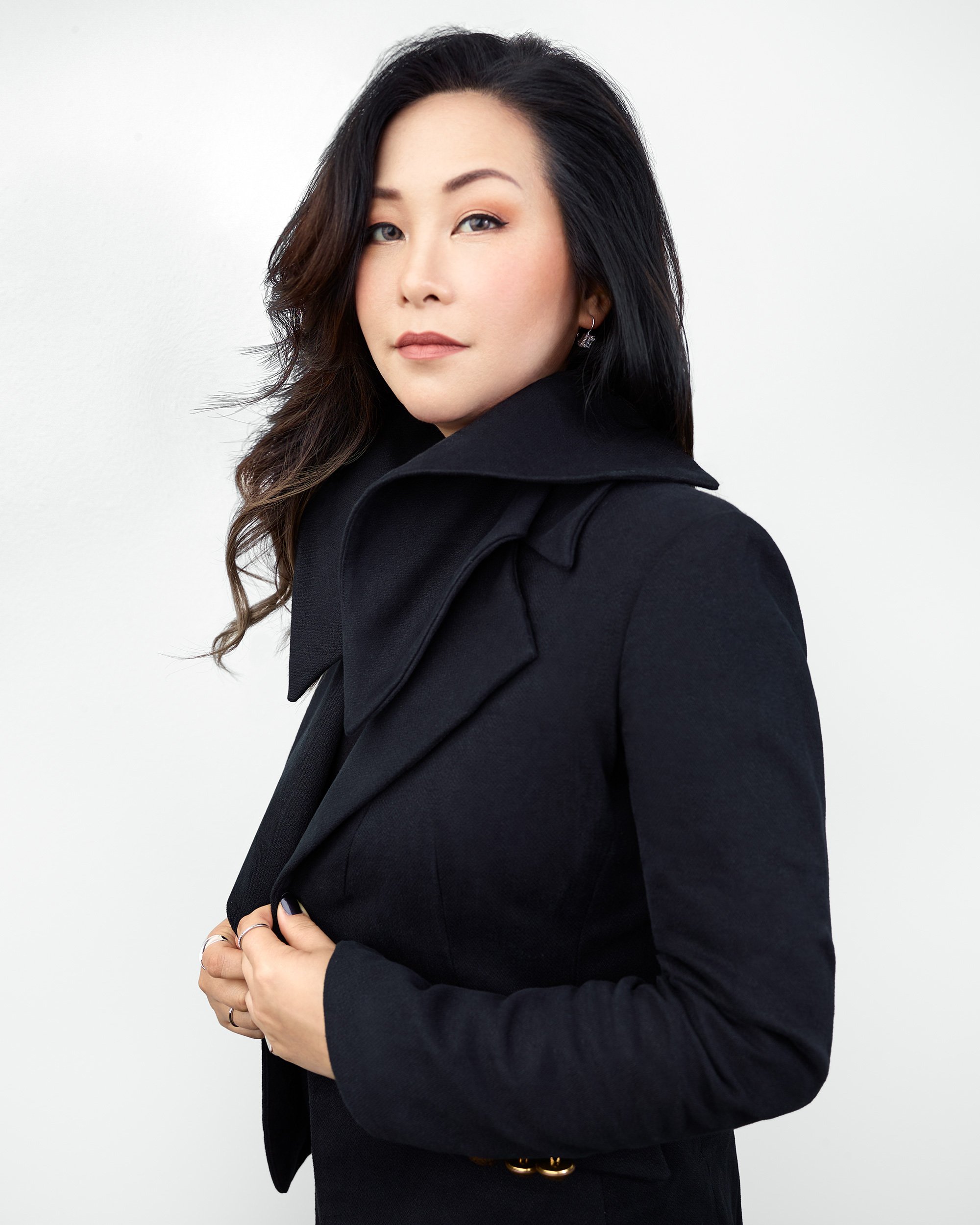
Should I Use AI for My Designer Headshots?
AI headshot tools are fast and cheap. For a designer, those are the wrong things to optimize for.
Here's the problem specific to your work. You sell visual judgment. Clients hire you because you can tell what looks right and what looks off. An AI-generated headshot is the one image on your portfolio you didn't art-direct, and the people looking at your work are the most likely to notice. Other designers, art directors, and creative clients have seen enough generated images to catch the tells: skin that's too smooth, lighting with no source, hands and frames that don't quite work. The audience you most want to impress is the audience best trained to spot it.
Once someone spots a headshot as AI, the question changes. It stops being whether the photo looks polished and becomes what else in the portfolio is real. For a designer, that doubt lands on the exact thing you're selling.
There's a second problem. AI tools generate a face. They can't match the look to your discipline or to where the image will live. A product designer's headshot should feel different from a fashion designer's, and both should sit right next to their actual work. A generator doesn't know your palette, your field, or your portfolio. It produces a generic-creative output that fits nowhere in particular.
Real photography solves both. Read more about why an authentic headshot matters.
Why S72 For Designer Headshots?
I photograph designer headshots at my studio in San Francisco's SoMa neighborhood, or at your office for company and team sessions. Every session starts with your work: what you do, where the headshot will live, and how creative you want it to lean. From there I build the lighting, pick the backdrop, and set the camera for you. That's why the headshots in my portfolio don't all look the same.
You get full direction the whole way through. I coach posture, expression, and angle in real time, so you're not stuck guessing what to do with your hands. Individual sessions are up to 30 minutes. Proofs come shortly after, and once you pick your selects, I hand-retouch every final image. No batch filters and no automated processing, just careful work on each image. You come out looking like yourself, at your best.
For designers, the part that matters most is the match. I shape the lighting, color, and styling so the headshot sits right next to your work instead of competing with it. The goal is a photo that looks like it belongs in your portfolio, not one stuck on top of it.
I back individual sessions with a 100% money-back guarantee. If the headshots don't work for you, you don't pay. Use the form below to ask a question or start your booking.